Installation
Requirements
Quick Start
git clone https://github.com/cobel1024/minima && cd minima
sh dev.sh up
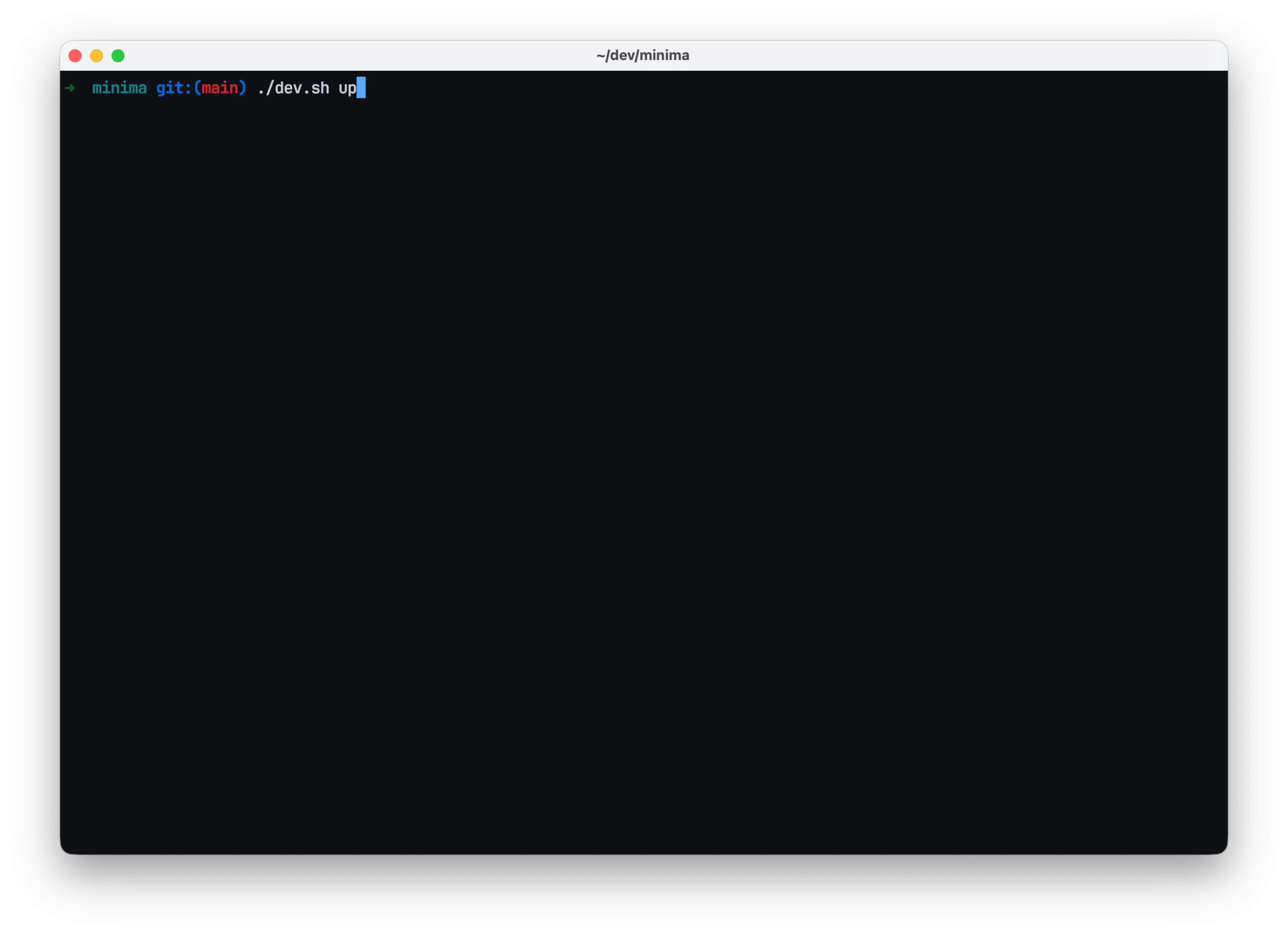
Automatically downloads images, builds, starts services, and creates demo data. First installation takes about 10 minutes, reinstallation takes about 3 minutes.
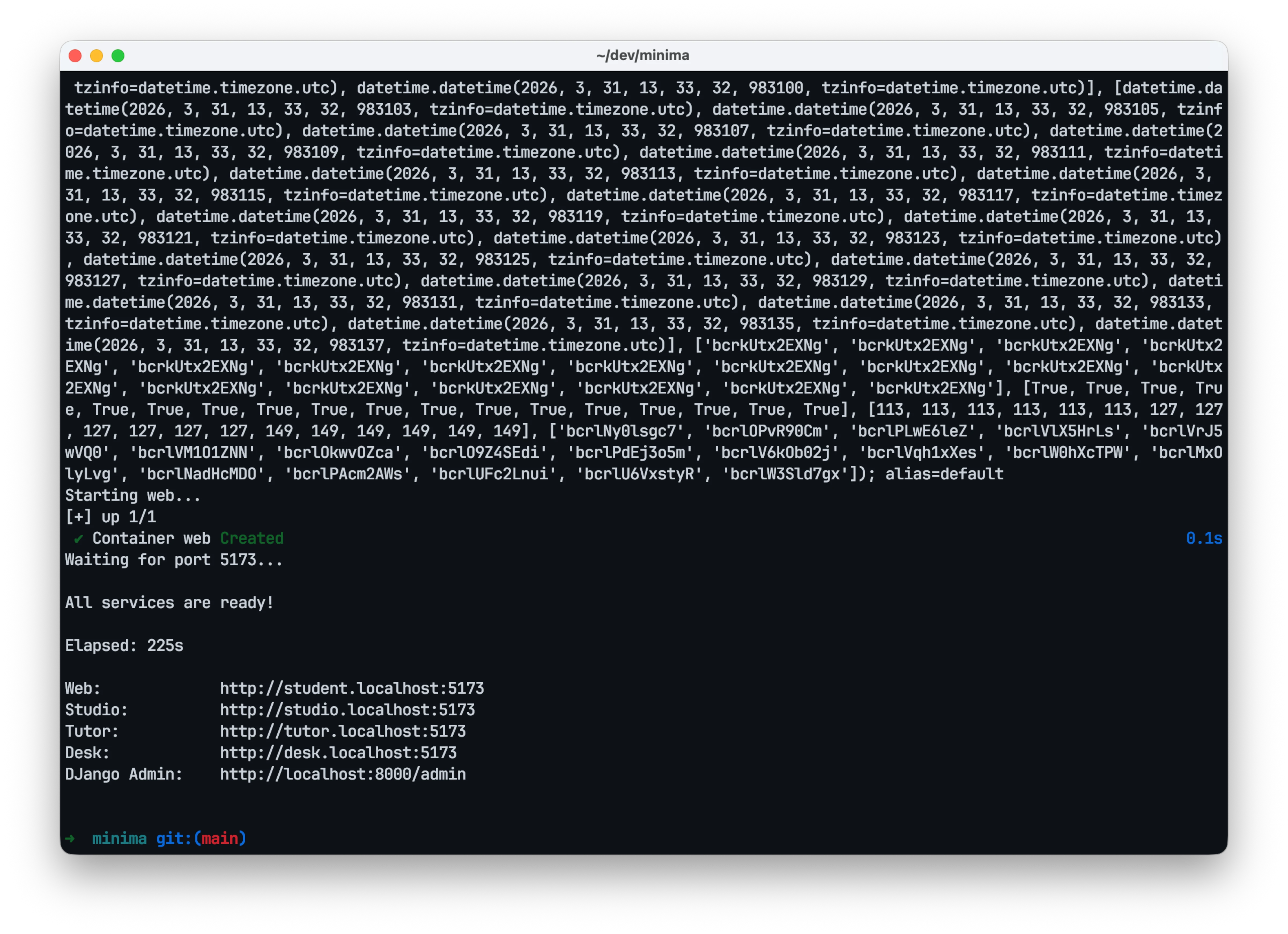
Ready to use after installation.
Demo Environment
demo account: admin@example.com / 1111
Student: http://student.localhost:5173
Studio: http://studio.localhost:5173
Tutor: http://tutor.localhost:5173
Desk: http://desk.localhost:5173
Django admin Panel: http://localhost:8000/admin/
Infrastructure
- API Docs: http://student.localhost:8000/api/docs
- Mailpit (Email): http://localhost:8025
- MinIO (Storage): http://localhost:9001
User:
minima/ Password:minima.dev - OpenSearch: http://localhost:9200
API swagger login
Minima strictly isolates sessions by subdomain.
When testing with Swagger, open the docs for each subdomain separately —
student.localhost:8000/api/docs, tutor.localhost:8000/api/docs,
desk.localhost:8000/api/docs, studio.localhost:8000/api/docs —
and log in on each one individually.
Clean Up
sh dev.sh clean
Removes services and data. Docker images remain.
Logs
sh dev.sh logs -f --tail 100